















UK offer period: –
Which HTVRONT machine should you buy on Black Friday 2026? It depends on what you want to make—from personalised T-shirts and caps to stickers and sublimation phone cases.
Below, we explain the main reasons to choose each machine, who it suits and its price with code. Whether you need a heat press, a vinyl cutter, or a setup for your own heat transfer vinyl designs, start with the projects you actually want to make.
Jump to a Machine or Compare Prices
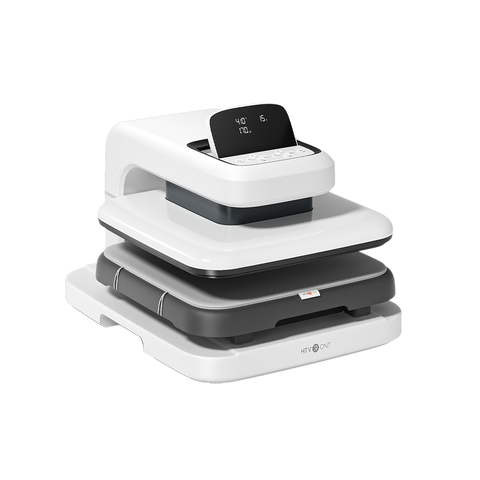
1. Auto Heat Press 2 – Digit 230V
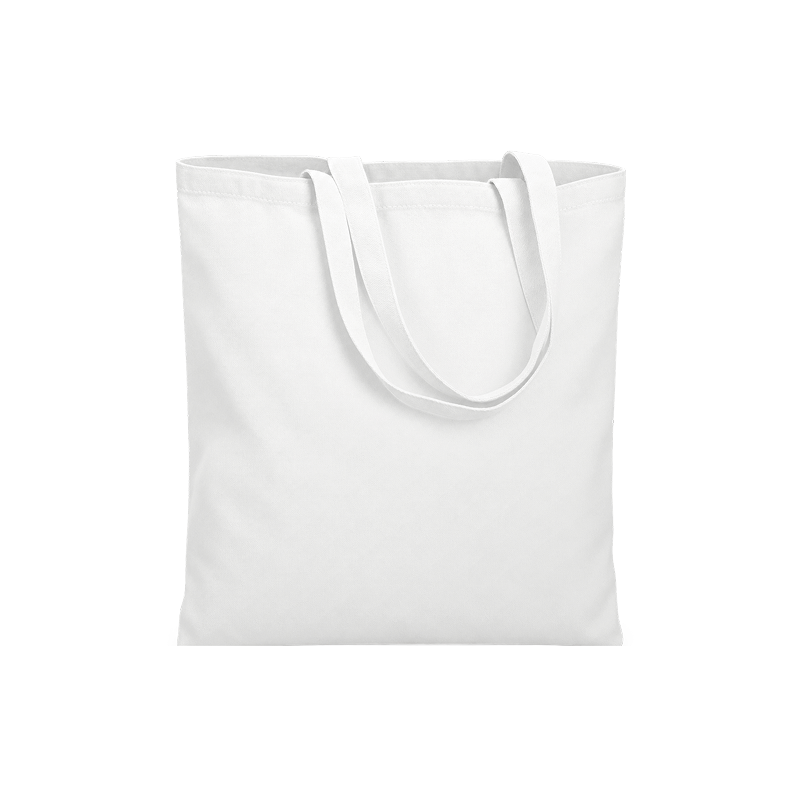
If T-shirts and tote bags are your main projects, the Auto Heat Press 2 deserves a place on your shortlist. Its automatic pressing cycle reduces manual lifting, while the slide-out tray helps you position garments and transfers before pressing.
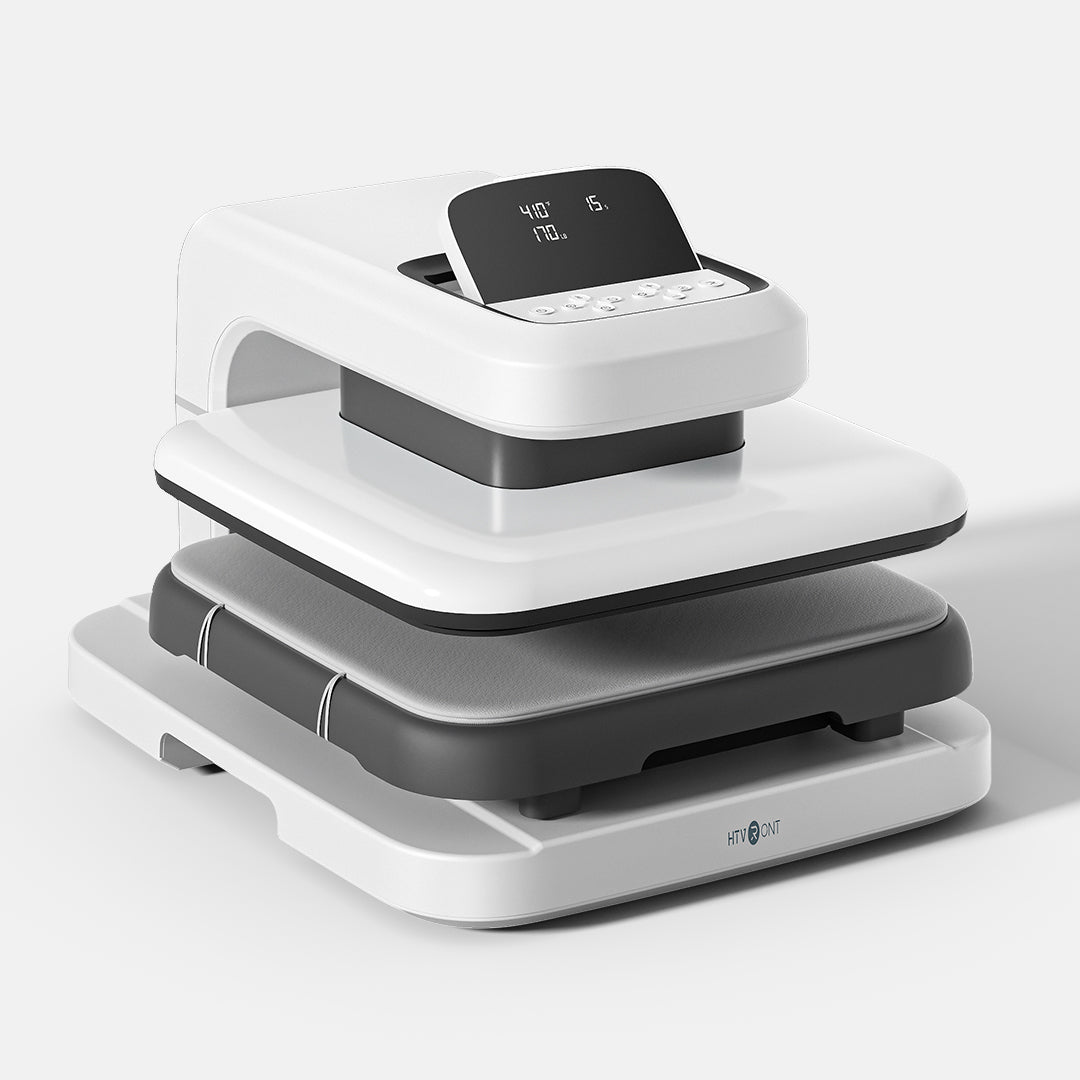
UK Black Friday price
£294.99
with code AS105
Discount code: AS105
Apply AS105 at checkout to the eligible Digit 230V configuration. Delivery charges may apply.
Why Choose It?
- Automatic pressing workflow: less manual effort when lowering and lifting the press.
- Slide-out loading tray: helps with garment placement and transfer positioning.
- A focused clothing setup: apply suitable ready-made transfers, or pair it with the C2 for your own cut-HTV designs.
Buy it if: you mainly decorate compatible flat garments and bags, and prefer an automatic pressing cycle.
Compare another option if: you also want to make caps and tumblers. The A100 offers different attachment workflows for £15 more with the listed codes. Check pressing areas and intended design sizes before deciding.
New to heat pressing? Start here
Use a compatible garment and transfer. Follow the transfer supplier’s instructions for temperature, time, pressure and peeling, then make a test press. Machine presets do not replace material-specific instructions.
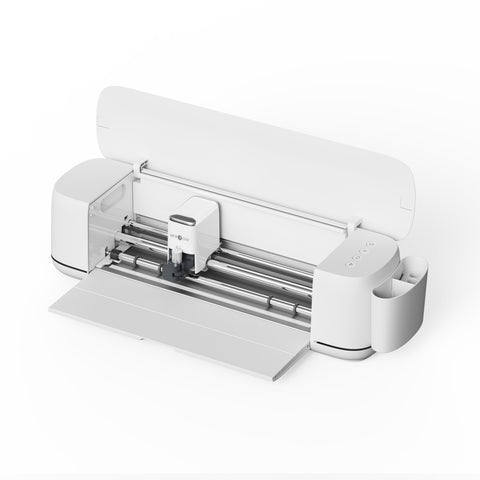
2. C2 Vinyl Cutter
Want to create your own names, lettering and shapes instead of relying on ready-made transfers? The C2 prepares cut designs for your press and opens up other craft projects, from labels and cards to foil details and pen drawings.

UK Black Friday price
£139.99
with code C40
Discount code: C40
Apply C40 at checkout to the eligible C2 configuration. Check kit contents; delivery charges may apply.
Why Choose It?
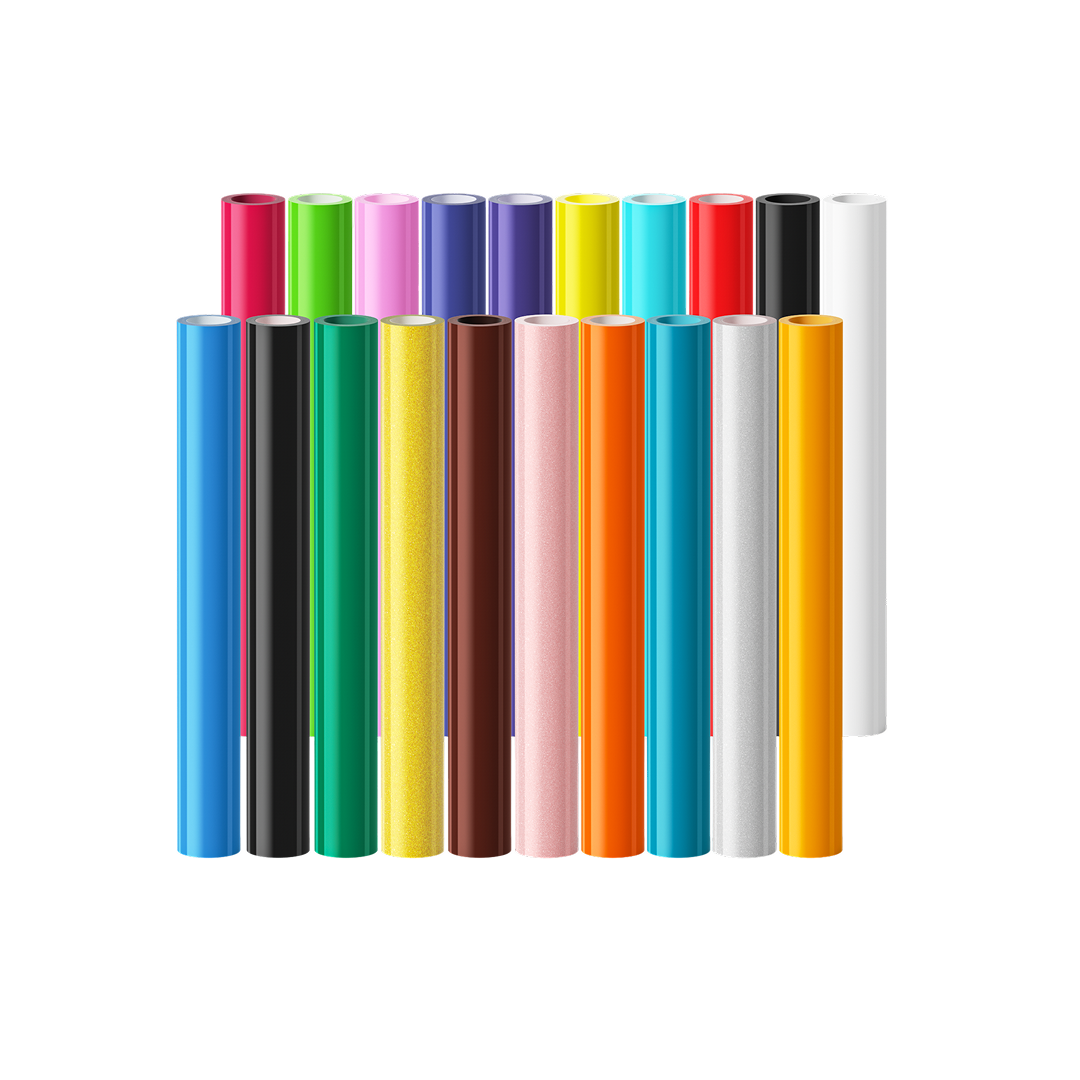
- A useful heat press companion: the C2 cuts compatible heat transfer vinyl; your press applies the prepared design to compatible fabric.
- Thousands of free design assets: IdeaStudio gives you starting points for your designs, with precise cutting of compatible materials.
- More than clothing projects: use the appropriate tools and materials for drawing, foil transfer, scoring, faux-leather cutting and adhesive-vinyl decoration.
Buy it if: you want to cut your own designs or will use its wider crafting techniques. Pair it with the Auto Heat Press 2 for flat garment projects, or the A300 for compatible cut-HTV cap designs.
Skip it for now if: you mainly apply suitable ready-made transfers. You can start with a press alone. The C2 is a cutter, not a colour printer; printed sticker projects require a separate compatible printer.
C2 setup guides and creative tutorials
For a first HTV project, follow the material’s loading and mirroring instructions, make a test cut, weed the design and press using the recommended settings. Other techniques may require additional tools. Adhesive vinyl generally does not require heat pressing.
Start Here
Explore More Techniques
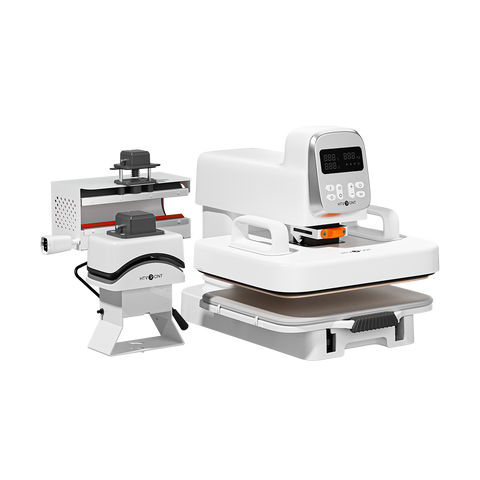
3. A100 Auto Multi Heat Press
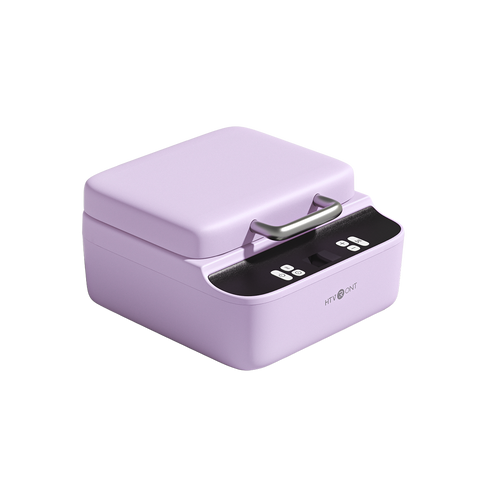
If you want to try clothing, caps and tumblers, the A100 is the machine to compare. Its attachment-based workflows offer a wider mix of projects without starting with several dedicated presses.

UK Black Friday price
£309.99
with code TS110
Discount code: TS110
Apply TS110 at checkout to the eligible A100 configuration. Confirm included attachments; delivery charges may apply.
Why Choose It?
- Several project types: explore flat, cap and compatible tumbler workflows with the relevant attachments.
- Room to experiment: try different personalised gifts before committing to several dedicated machines.
- A close price comparison: at £309.99 with TS110, it costs £15 more than the Auto Heat Press 2 with AS105. Compare that flexibility against your actual project needs.
Buy it if: you will use several attachments and are comfortable learning a separate setup for each.
Compare another option if: you mostly decorate T-shirts and bags. Check the Auto Heat Press 2 for a garment-focused workflow. If caps are your main project, compare the A300.
A100 tutorials: choose your first project
Check attachment contents, plate dimensions and supported blank sizes. Cut-HTV garments and sublimation tumblers require different supplies. Start with one attachment, and follow the manual when changing components.
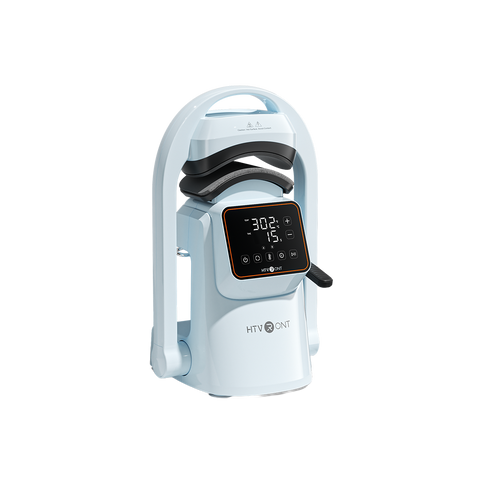
4. A300 Auto Hat Heat Press
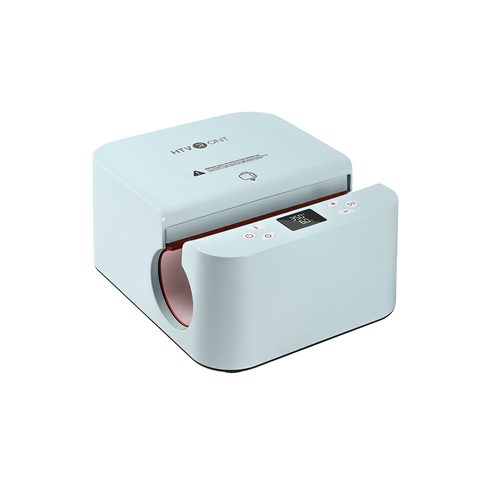
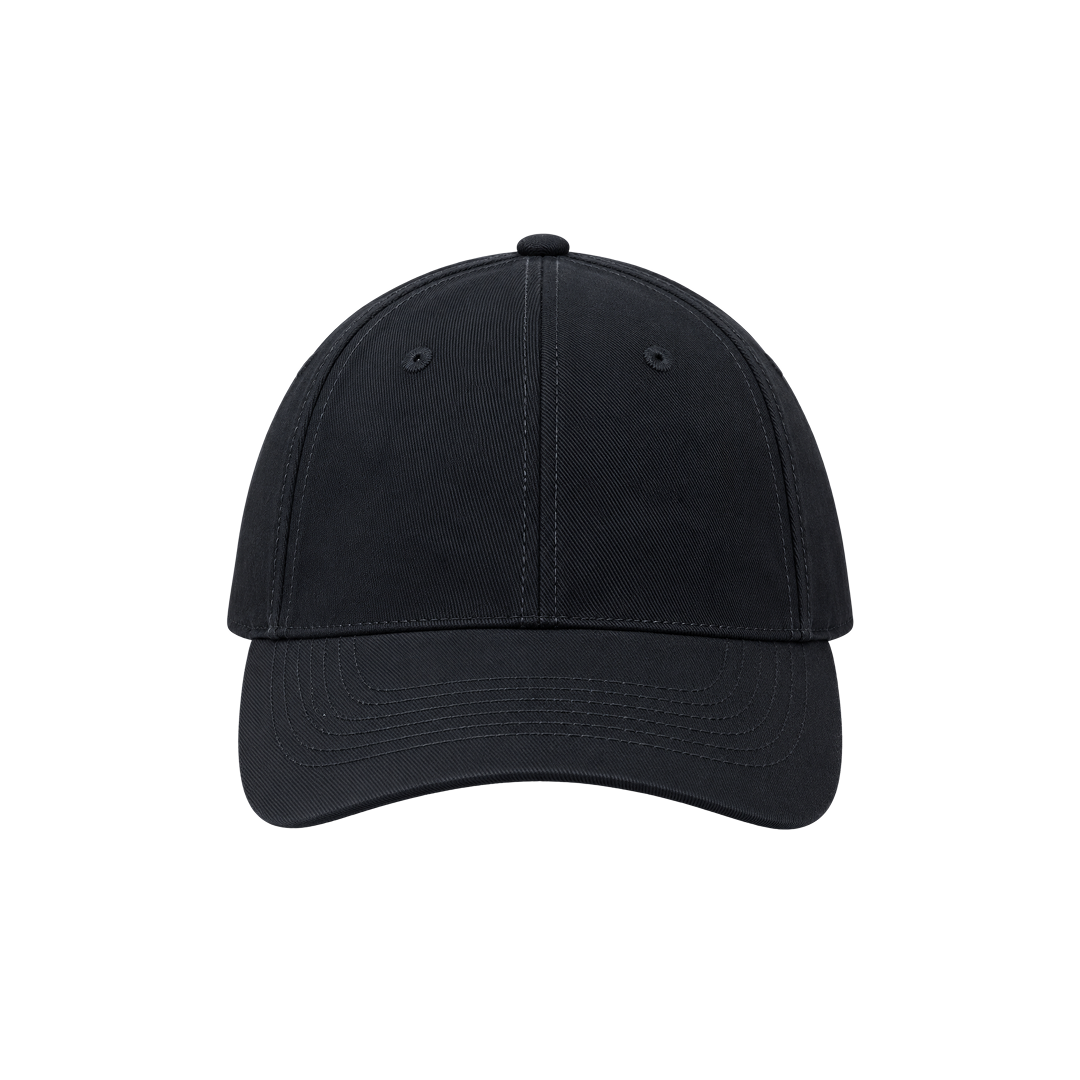
Making personalised caps regularly? The A300 gives you a dedicated hat-pressing workflow. Its curved pressing surface is designed for compatible cap projects, making it an option alongside an existing garment press.

UK Black Friday price
£129.99
with code SEO60
Discount code: SEO60
Apply SEO60 at checkout to the eligible A300 configuration. Delivery charges may apply.
Why Choose It?
- A cap-focused setup: a dedicated workflow rather than using a flat garment press for a curved item.
- Personalised hat designs: apply suitable ready-made transfers or pair it with the C2 for cut-HTV lettering.
- A focused addition: consider it when you already have a garment press and want to add cap projects, without buying a wider multi-function setup.
Buy it if: caps are a regular project and your chosen blanks and designs fit the available platen and pressing area.
Compare another option if: caps are only occasional projects and you also want to make clothing or tumblers. The A100 may suit that broader plan. The A300 applies transfers; it does not embroider designs.
New to cap projects? Read the A300 tutorial
Use a compatible cap and transfer, fit the cap securely and check for seams or raised details that may affect contact. Test a small design on a spare blank before making finished gifts or customer orders.
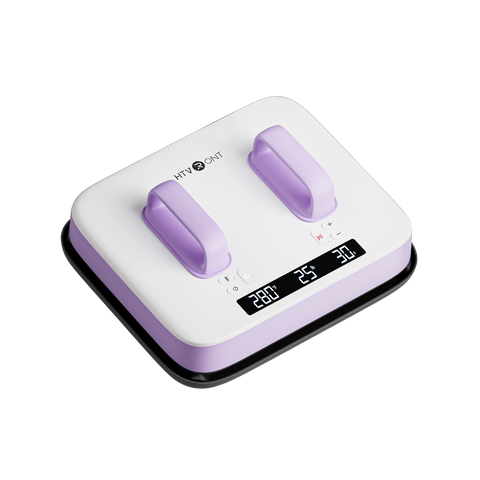
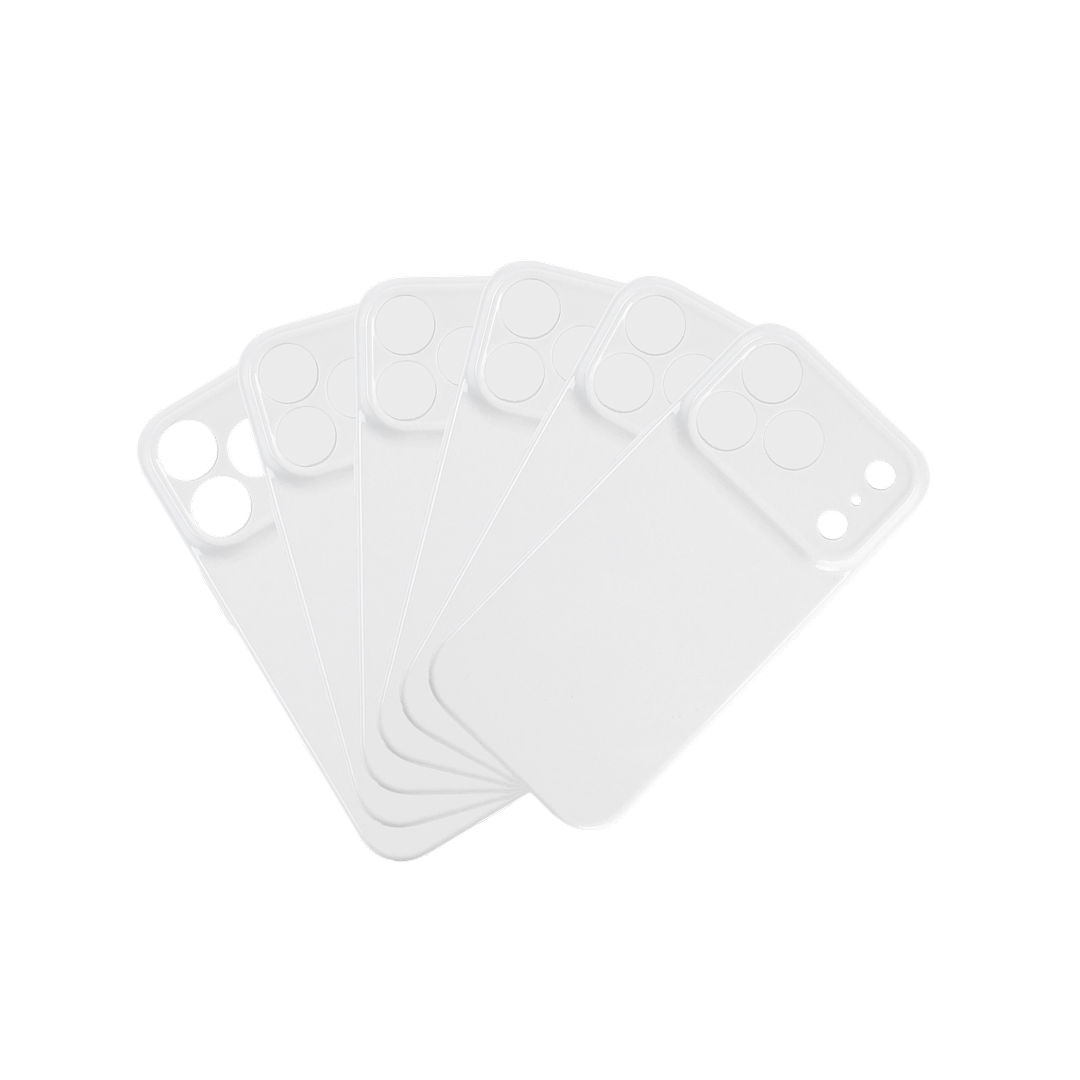
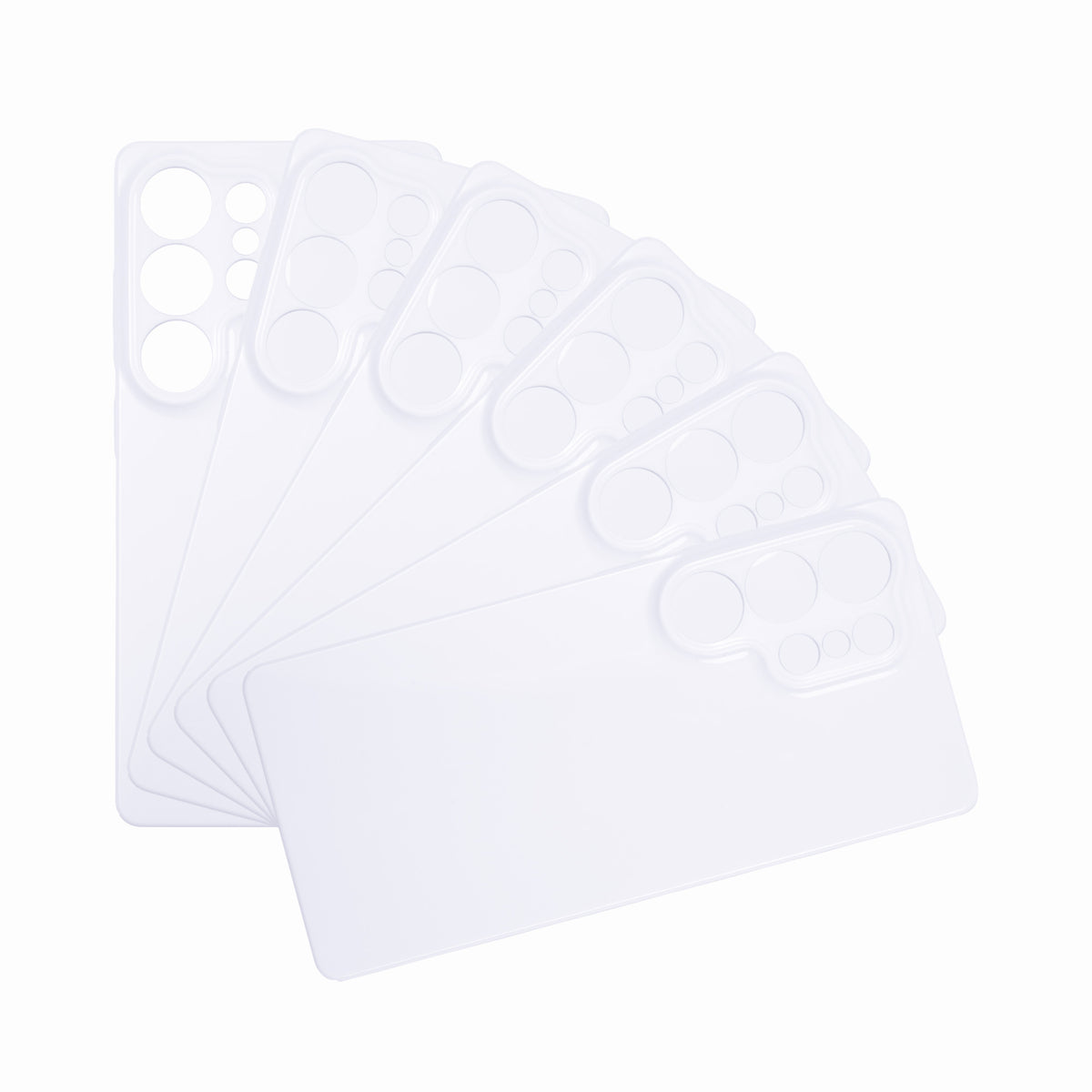
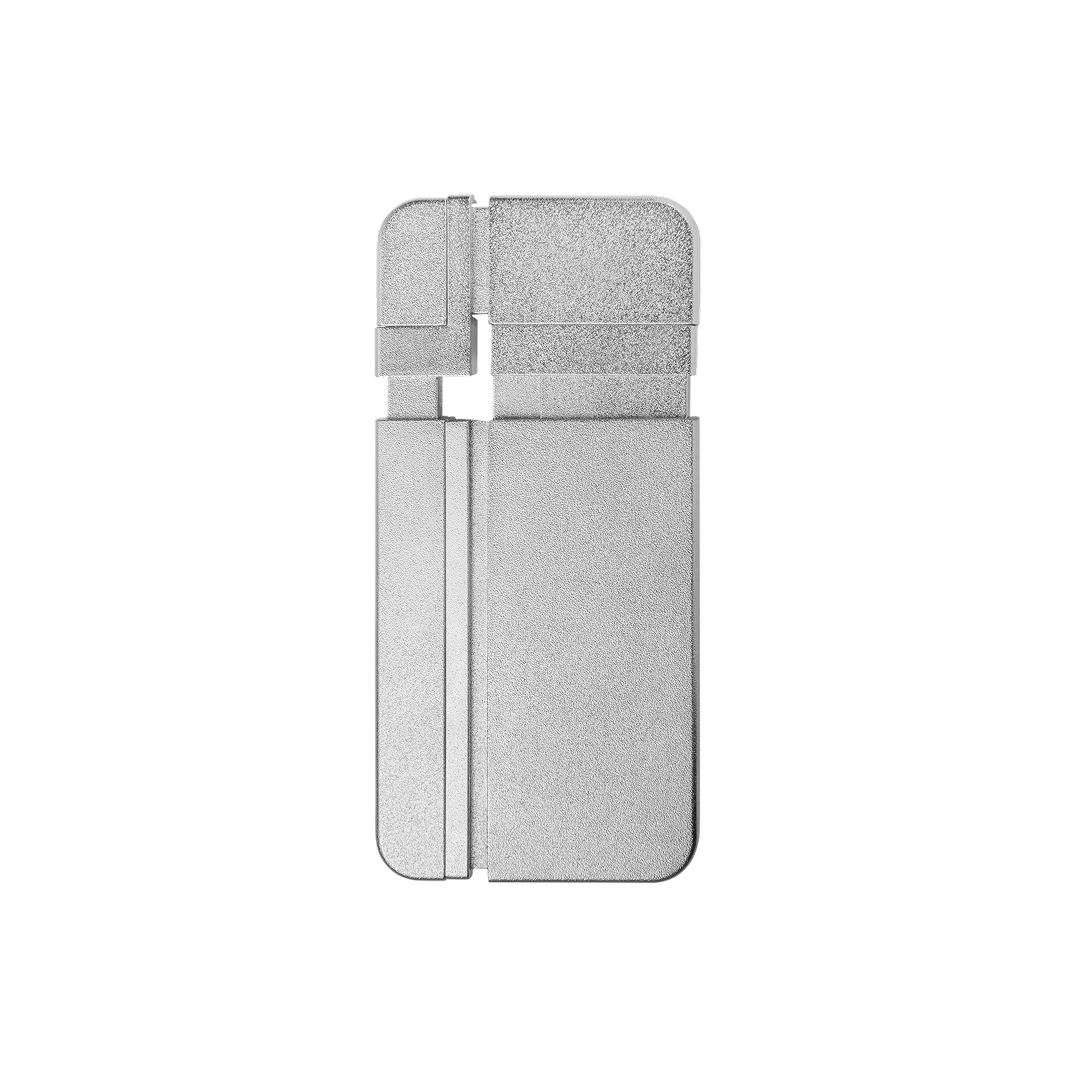
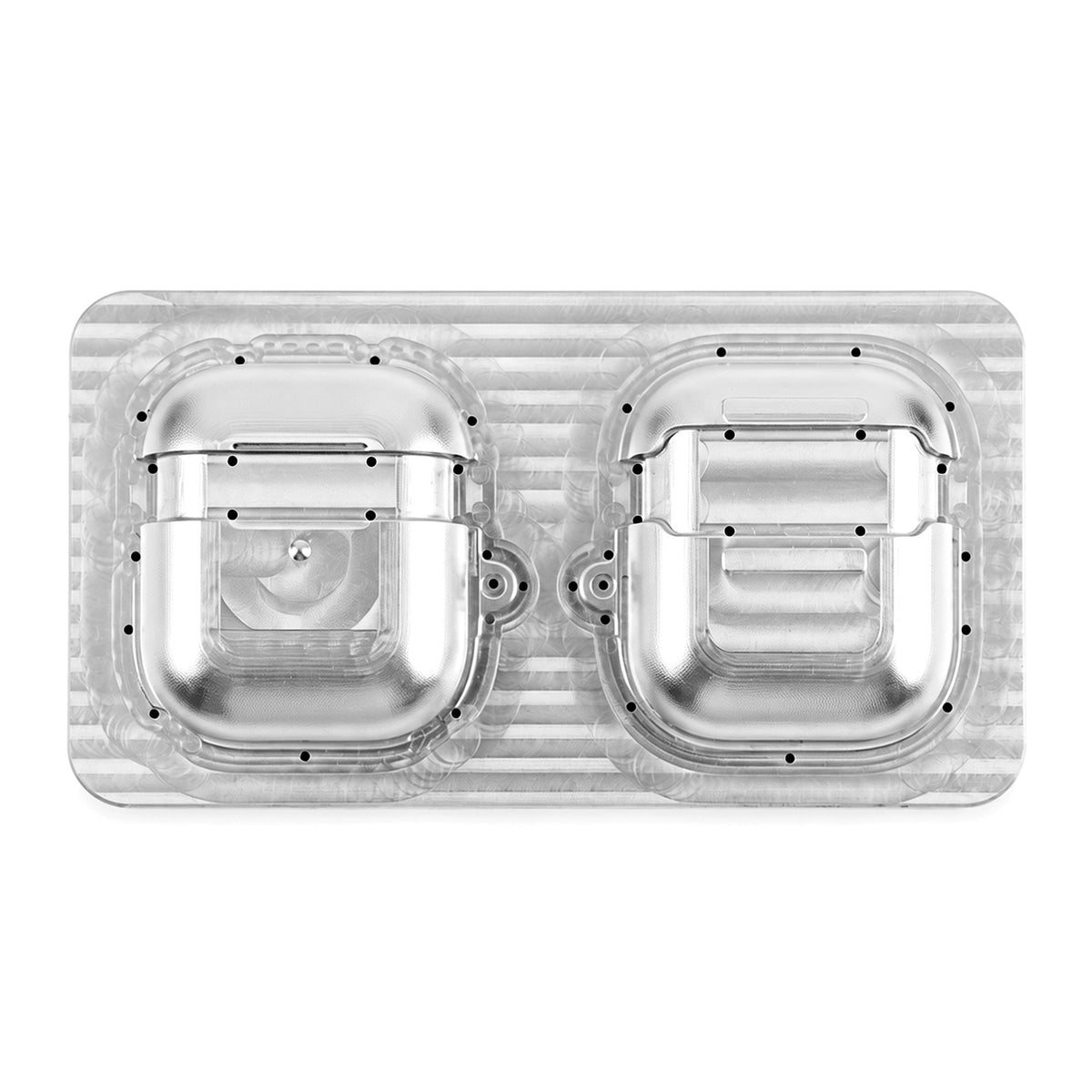
5. H17 Phone Case Heat Press
If photo gifts and illustrated phone cases are your goal, consider the H17. It offers a specialised sublimation workflow for compatible case blanks, with a £120 code saving—the largest cash saving among these five featured offers.

UK Black Friday price
£159.99
with code SEO120
Discount code: SEO120
Apply SEO120 at checkout to the eligible H17 configuration. Check fixture requirements; delivery charges may apply.
Why Choose It?
- A dedicated phone-case workflow: designed for compatible sublimation case projects rather than garment pressing.
- Photo and illustrated designs: explore personalised cases using suitable printing supplies and blanks.
- £120 off with code: the price drops from £279.99 to £159.99 with SEO120, reducing the machine cost of a planned phone-case setup.
Buy it if: sublimation phone cases are a clear goal, and you have—or plan to obtain—suitable printing equipment, blanks and fixtures.
Choose another option if: you mainly want to make T-shirts or tote bags. A garment press is more relevant. Ordinary phone cases and standard adhesive vinyl do not replace the materials required for this sublimation workflow.
H17 setup requirements and beginner tutorial
Plan for compatible sublimation case blanks, matching fixtures, specified sublimation film, suitable printing equipment and ink, plus protective accessories recommended in the manual. Check your kit contents and case compatibility before ordering.
Still Deciding? Here Is How to Choose
Auto Heat Press 2 vs A100: Focus or Flexibility?
Choose the Auto Heat Press 2 at £294.99 with AS105 if flat garment projects are your priority. Consider the A100 at £309.99 with TS110 if you will use its flat, cap and tumbler workflows.
The difference is £15 with these codes. That makes the A100 worth comparing, but check pressing areas, attachment contents and design sizes—not just the number of functions.
A100 vs A300: Occasional Caps or a Cap-Focused Setup?
Choose the A300 at £129.99 with SEO60 for a focused cap setup, especially alongside an existing garment press. Compare the A100 at £309.99 with TS110 if caps are one of several types of blank you want to decorate.
Buy for the workflows you will use. A lower price is not helpful if the machine does not cover your plans, and extra functions add little value if you never use them.
Do you need the C2 too? Add it when you want to cut your own HTV designs or explore its other craft techniques. If you mainly apply suitable ready-made transfers, a press alone can be a practical starting point.
Which Machine Should You Buy? A Quick Price Recap
Now that you have seen what each machine offers, use this recap to match your main project with the price and code.
| Your main project | Our pick | Price with code | Code |
|---|---|---|---|
| T-shirts & tote bags | Auto Heat Press 2 | £294.99 | AS105 |
| Cutting your own designs | C2 Vinyl Cutter | £139.99 | C40 |
| Clothing, caps & tumblers | A100 Auto Multi Heat Press | £309.99 | TS110 |
| Cap-focused projects | A300 Auto Hat Heat Press | £129.99 | SEO60 |
| Sublimation phone cases | H17 Phone Case Heat Press | £159.99 | SEO120 |
Prices apply to eligible configurations with the corresponding code. Confirm your discount at checkout; delivery charges may apply. Our picks are project-based recommendations within these five featured HTVRONT machines, not a hands-on ranking of every alternative on the market.
Before You Buy: Budget for the Complete Setup
- Cut-HTV clothing: include compatible vinyl, garments, cutting and weeding supplies, plus a press if you do not already own one.
- Caps: include compatible blanks, transfers and any required platen or accessories.
- Sublimation: allow for suitable printing equipment, ink, transfer materials, blanks and fixtures—not just the machine.
Check kit contents rather than assuming everything pictured is included. Allow for practice blanks and safe working space. Follow the manual when handling hot plates, attachments and blanks, and keep children away from heated equipment. For commercial projects, check artwork and font usage rights.
Frequently Asked Questions
When are the UK Black Friday offers available?
The advertised offer period is 20 November to 8 December 2026. Check the UK Black Friday page for eligibility, stock availability and any specific cut-off time.
How do I apply a discount code?
Add the eligible product to your basket and enter its corresponding code in the discount field at checkout. Confirm the expected price reduction before paying. “Copy code” copies the text; it does not automatically apply the discount.
Can I combine these codes with other offers?
Combination rules depend on each offer’s terms. Do not assume separate product codes can be combined with one another or with automatic discounts. Review the promotion details and the discount shown at checkout.
Do I need both a vinyl cutter and a heat press?
Only if your workflow needs both. A cutter prepares your own cut-HTV design, and a press applies it. Suitable ready-made transfers do not require a cutter. Adhesive-vinyl labels and decorations generally do not require heat pressing.
Can the C2 print colourful stickers?
No—the C2 cuts rather than printing colour artwork. Use a separate compatible printer for Print Then Cut projects , then follow the guide to cut around the printed design.
Do the listed prices include delivery and VAT?
The prices with code are product prices, not a guarantee of the complete order total. Delivery charges may apply. Review the UK store’s VAT information and the full checkout breakdown for your product and delivery address before paying.
What electrical specifications should UK buyers check?
The Auto Heat Press 2 linked here is the Digit 230V model. For each selected product, confirm its voltage, supplied plug and electrical requirements on the UK product page and in the manual. Do not assume another market’s version has the same specifications.
Will my order arrive in time for Christmas?
Check stock status and the current delivery estimate for your address. Allow time for setup, practice and extra materials as well as shipping. This guide does not guarantee Christmas delivery, particularly for pre-order items.
Choose the Machine You Will Actually Use
Start with the Auto Heat Press 2 for flat garment projects, or the A100 for a wider mix of blanks. Add the C2 when you want to cut your own designs, and choose the A300 or H17 when you have a clear cap or phone-case project in mind. You do not need all five machines to get started.


Leave a comment
This site is protected by hCaptcha and the hCaptcha Privacy Policy and Terms of Service apply.